Welcome to Tab Tools TMS

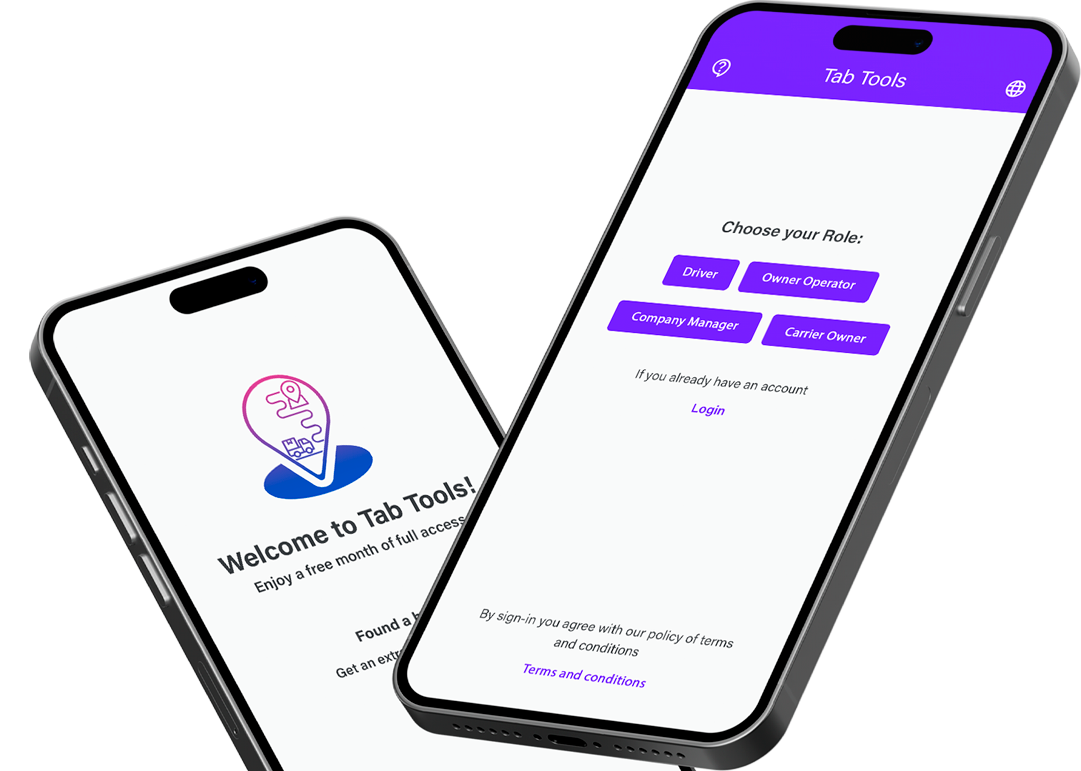
your all-in-one solution to handle your trucking business where efficiency, automation, and control are at your fingertips.
shape shape
Features

Main Features

Revolutionize your trucking business with Tab Tools TMS!

Intelligent RC Processing

Say goodbye to manual data entry.

Secure Document Storage

Documents stored securely, ensuring privacy and easy access when you need them.

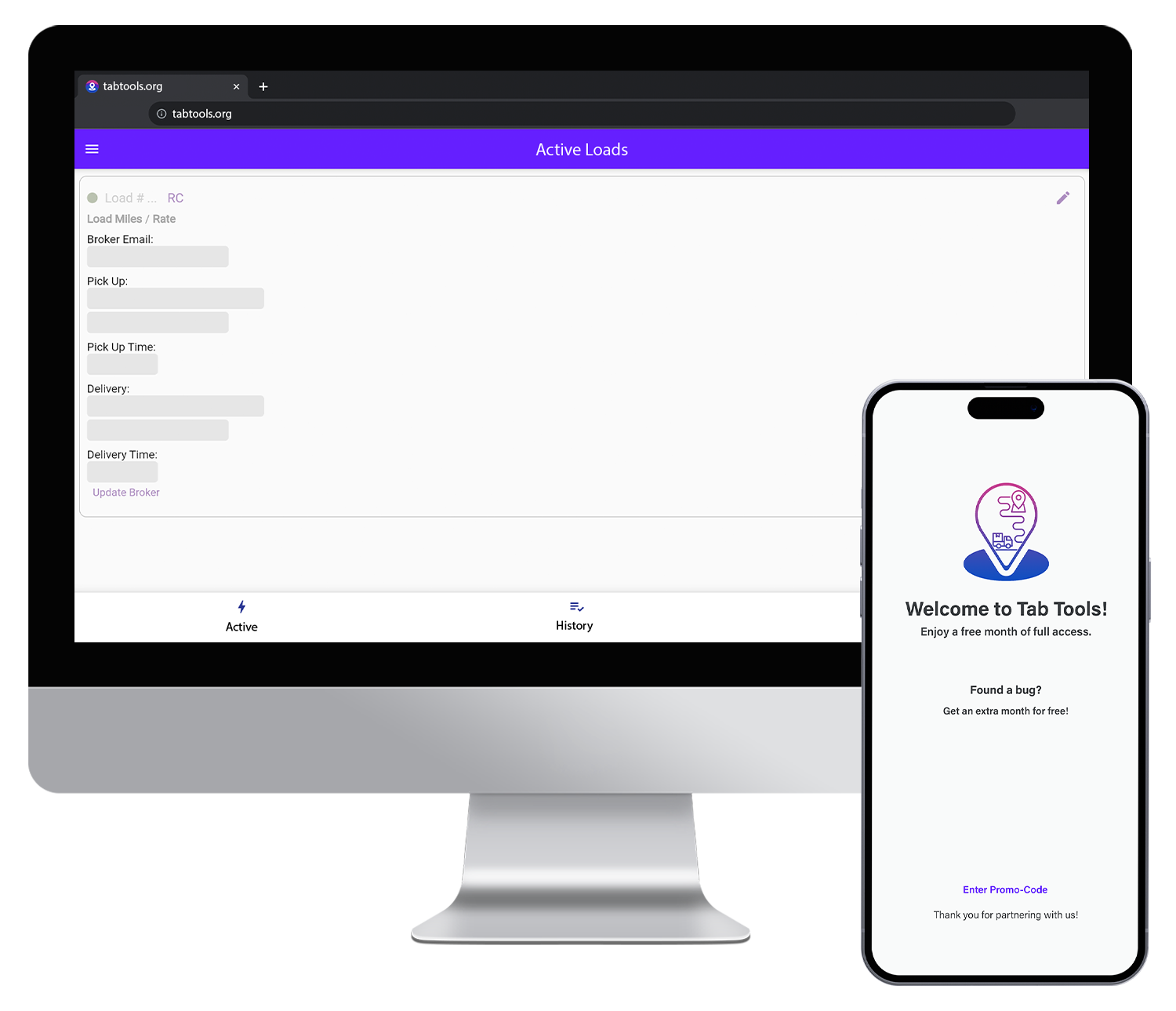
One-Click Broker Update

Automated ETA calculation & email generation.

That's just the beginning

Don't miss this opportunity

About Us

The Vision:


Our vision for Tab Tools TMS is to streamline and automate processes, making trucking management more efficient, cost-effective, and user-friendly. The aim is to make a platform that not only addressed the existing challenges but also anticipats future needs, staying ahead of the curve in an ever-evolving industry.
Learn More
about-image
Pricing

Our Pricing Plans

Our TMS offers a comprehensive approach,

Save $350 per truck monthly.

Experience the efficiency, accuracy, and significant cost reductions that Tab Tools TMS brings to your trucking operations. Start saving money today!

MONTHLY SUBSCRIPTION

$ 100/mo

  • Unlock Full Potential
START

$ 0/mo

  • Absolute free trial
  • No upfront costs
  • Extra month for Feedback

ANNUAL SUBSCRIPTION

$ 1 020 /year

  • Save 15%
  • Make smart choice and save more
shape
FAQ

Questions Section

Our FAQ section, where you can find answers to common queries about Tab Tools TMS. If you have additional questions, feel free to reach out to our support team for personalized assistance.

To access the web version of our platform, kindly reach out to us via email.
Our team will assist you in setting up a tailored carrier agreement, ensuring a seamless and private access experience.
Contact us today to initiate the process and unlock the full potential of our web-based solution.
Identify a bug that significantly impacts user experience. Ensure that the reported bug meets the criteria outlined in our Terms and Conditions.
Submit your bug report through the Support section in app.
Our team will review the bug for eligibility, considering its impact on application functionality.
Upon validation and acceptance, users will be rewarded with an extra free month as a token.
For detailed information on bug report eligibility criteria, please refer to our Terms and Conditions."
Access the default email application on your device.
Add the carrier email.
That is all, now function will work perfectly.
Currently, we have not set up automatic payment methods. To make a payment, please contact us via email at support@tabtools.org or tabtools.main@gmail.com.
In your email, include the necessary details such as your account information and the desired subscription plan (monthly or annual).
Our support team will generate an invoice based on your subscription plan. You will receive detailed instructions on how to proceed with the payment.
Make the payment using the provided instructions. We accept various payment methods, and the details will be outlined in the invoice.
Once the payment is received and processed, you will receive a confirmation email, and your account will be updated accordingly.
If you encounter any issues with the processing of Rate Confirmations (RC), please follow these steps:
Reach out to our support team immediately at support@tabtools.org or tabtools.main@gmail.com.
In your email, include the specific details of the RC that is not processing. This may include the RC document itself and any relevant information about the issue.
Our support team will initiate an investigation into the matter to identify the root cause of the processing issue.
Once the issue is identified, our team will work to resolve it promptly. You will be kept informed of the progress.
To utilize the Accounting Filters feature, please refer to the User Manual Section for detailed instructions on accessing and applying the filters.
The Accounting Filters provide a powerful tool to streamline and customize your accounting processes.
Follow the steps outlined in the User Manual to make the most of this functionality.
CONTACT US

Our support team
Ready to help

You can reach us by following emails:

support@tabtools.org

tabtools.main@gmail.com

Send us a Message